How to Export a Garmin Walk or Hike as GPX
Download a walk or hike from Garmin Connect as GPX, view it on a larger map and keep a route file for a holiday memory or a friend.
Guides
How-to tutorials, tips, and the latest news about SpeedX
Download a walk or hike from Garmin Connect as GPX, view it on a larger map and keep a route file for a holiday memory or a friend.
Save a walk or holiday outing from SpeedX as a GPX file, open it on a map, trim an unwanted section and keep a copy you can share.
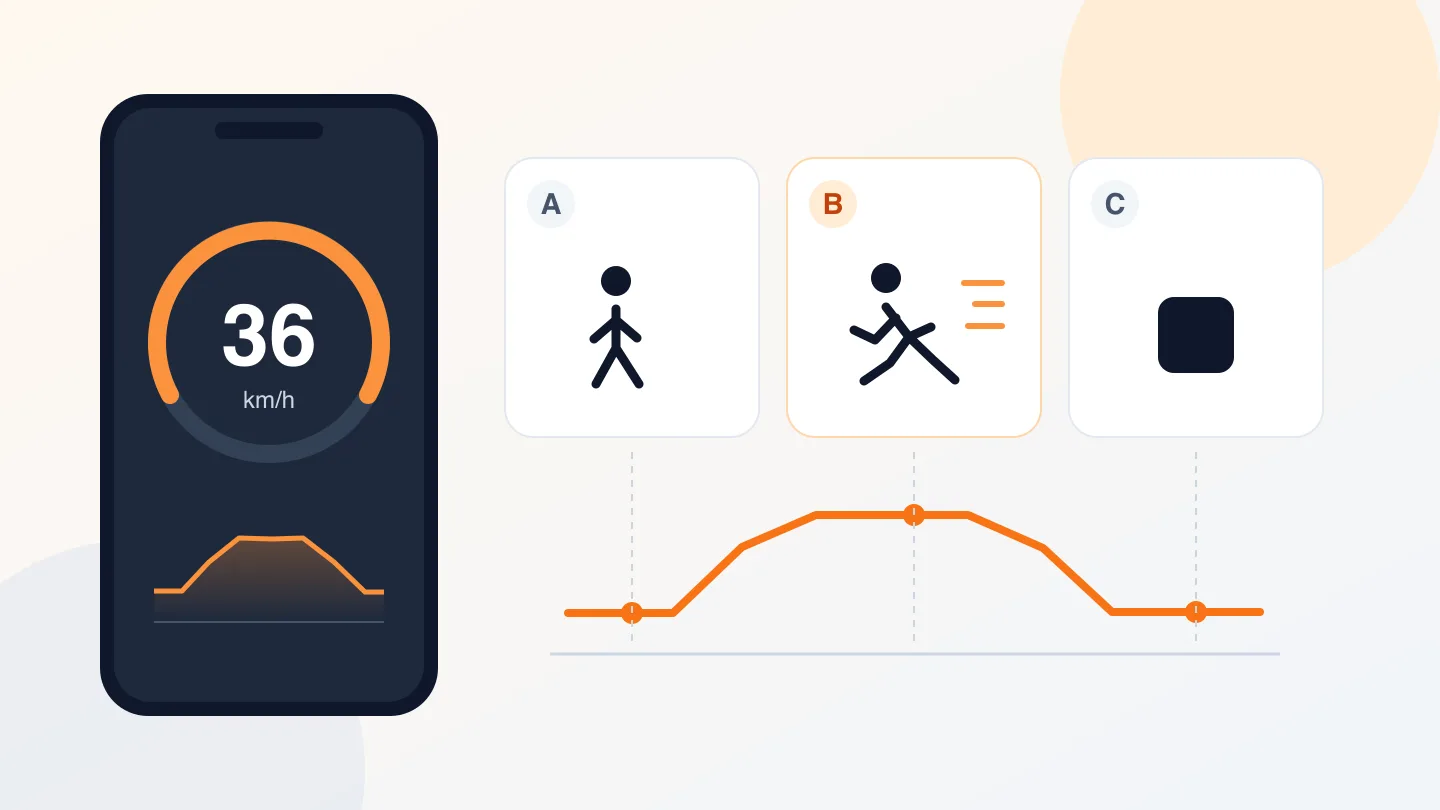
Check a speedometer app before a trip: match units, test starting and stopping, separate GPS position accuracy from speed accuracy, and spot stale readings.
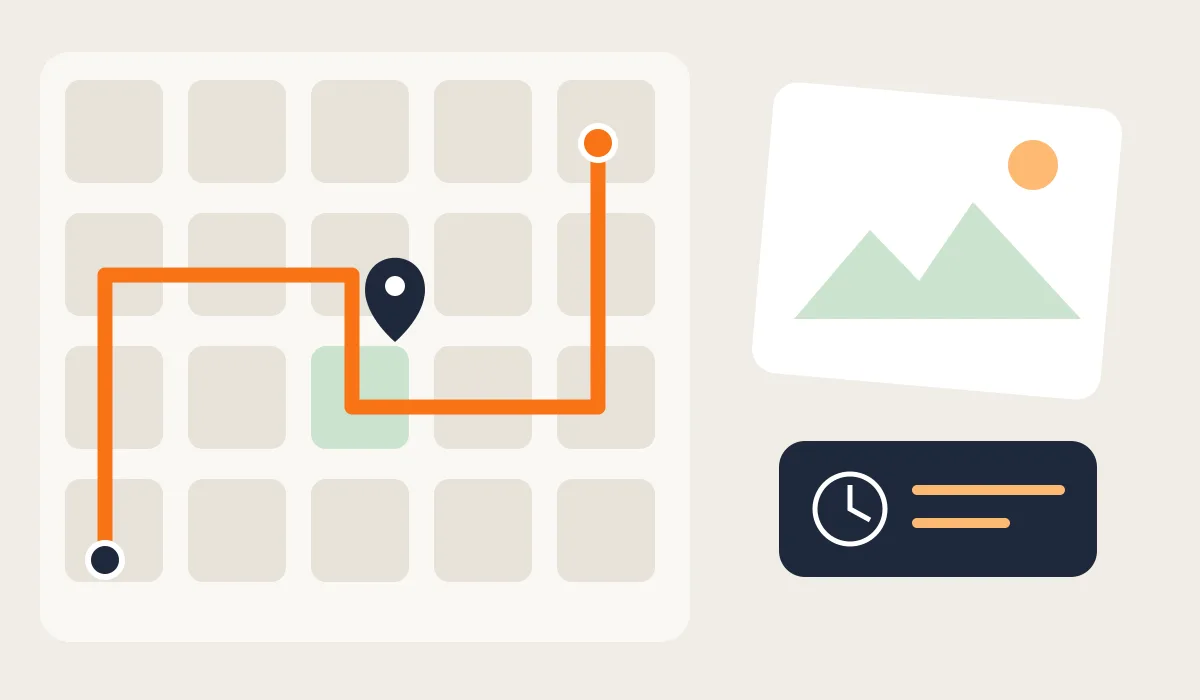
Forgot the street or cafรฉ you found while traveling? Learn to match a saved walking route with photos and clues, and what to try if you never recorded it.
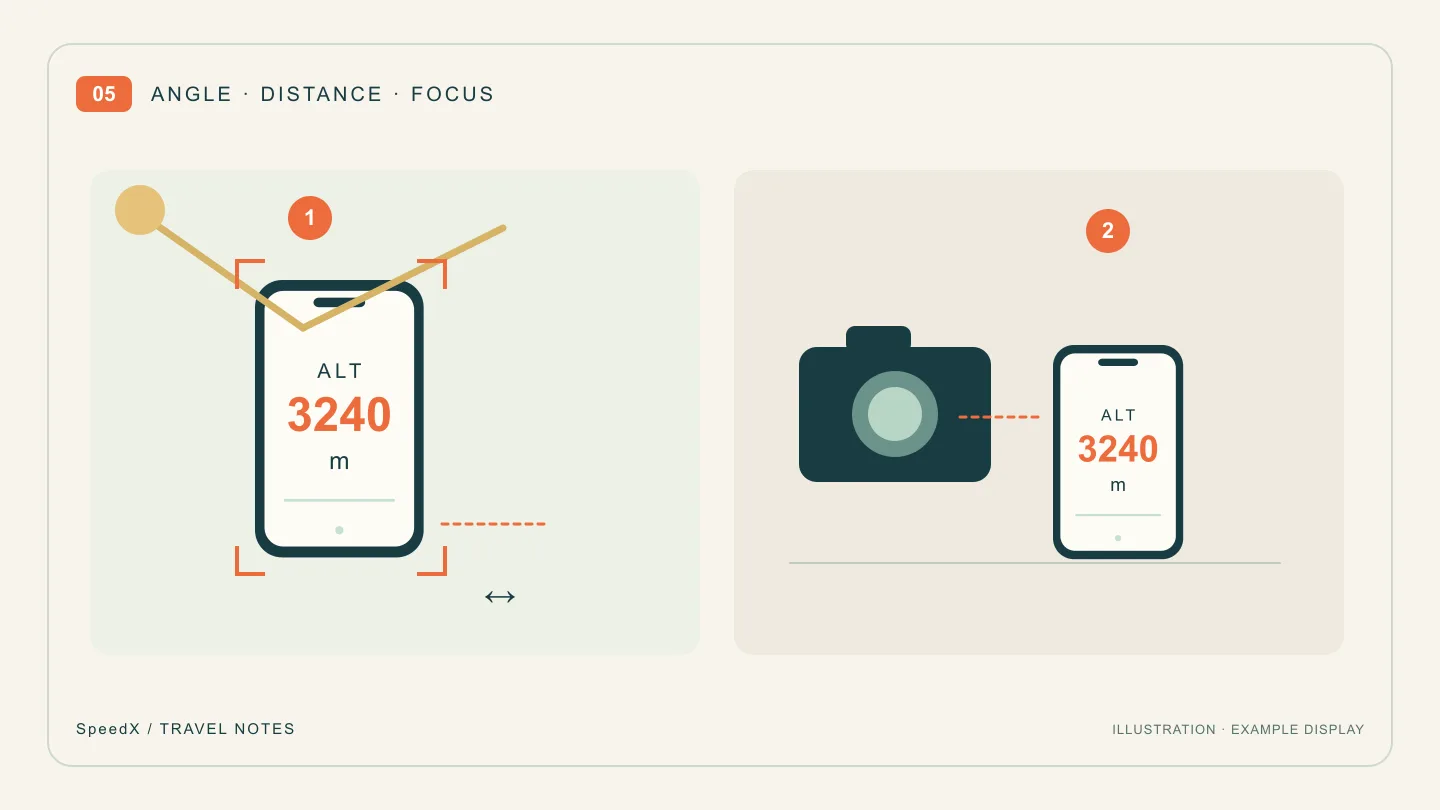
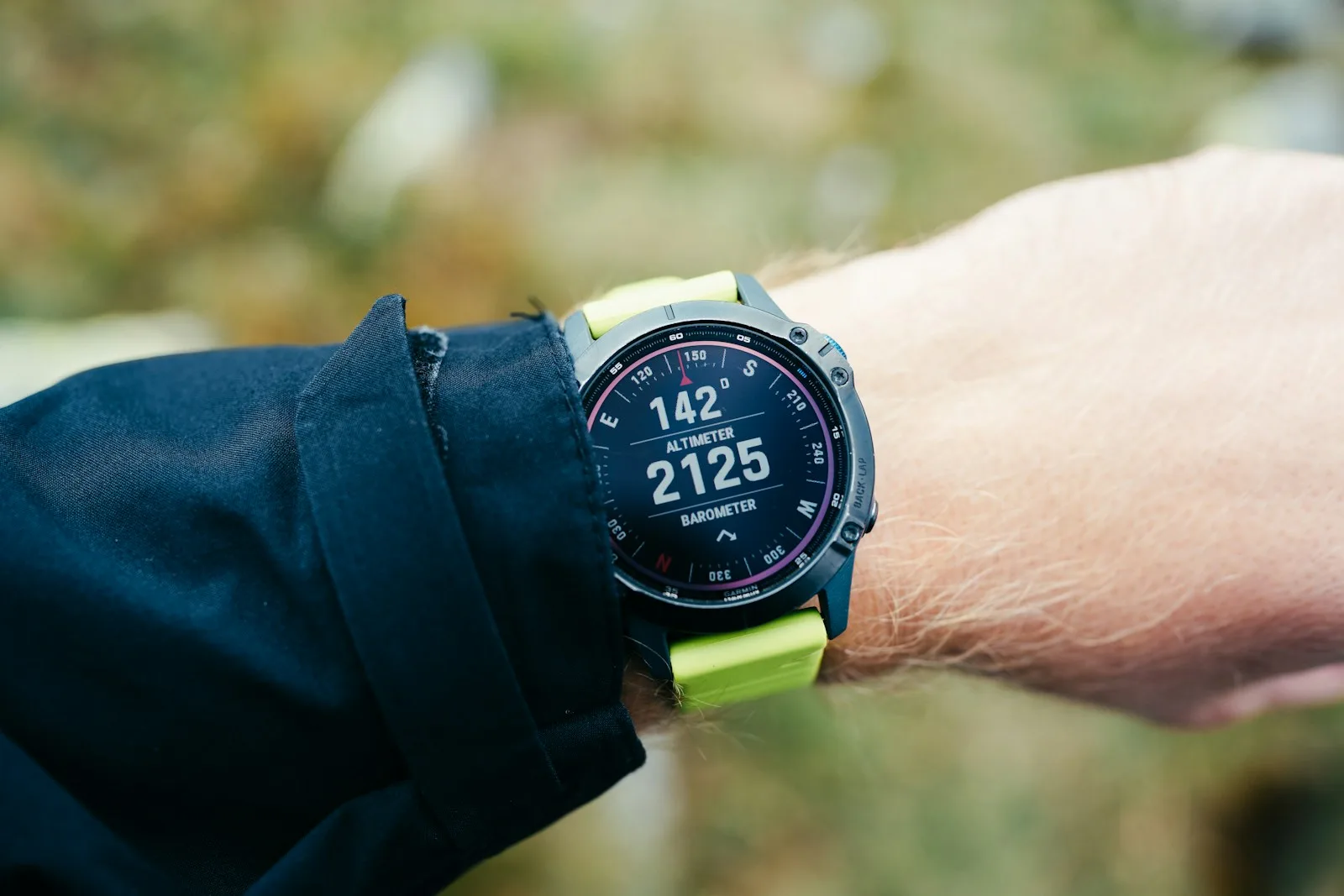
Fix glare, blurred digits and a washed-out display in altitude or location photos. Use a second camera, then adjust angle, distance, focus and exposure.
Check latitude and longitude order, decimal and DMS formats, minus signs and location accuracy before sharing a meeting point.
Troubleshoot incorrect, jumping or missing phone compass readings by checking interference, holding position, north settings and browser permissions.
Convert min/km, min/mile and km/h with worked examples, a reference table and the SpeedX pace calculator and speed converter.
Fix missing or zero speed readings in the SpeedX web tool by checking startup, permissions, signal reception and browser speed support.
Learn how to use SpeedX from first launch to your first recorded trip. A step-by-step walkthrough of every feature in the ultimate speedometer and altimeter app.