What App Shows Altitude on Your Phone in Mountain Photos?
If you’ve seen someone at a mountain summit holding up a phone that reads 4,200 m, you might have wondered what app they were using. SpeedX is an iPhone app with a dedicated Altimeter screen that displays your current altitude. Open it, hold the screen toward the camera, and you can capture the altitude and the mountain view in the same photo. SpeedX official website
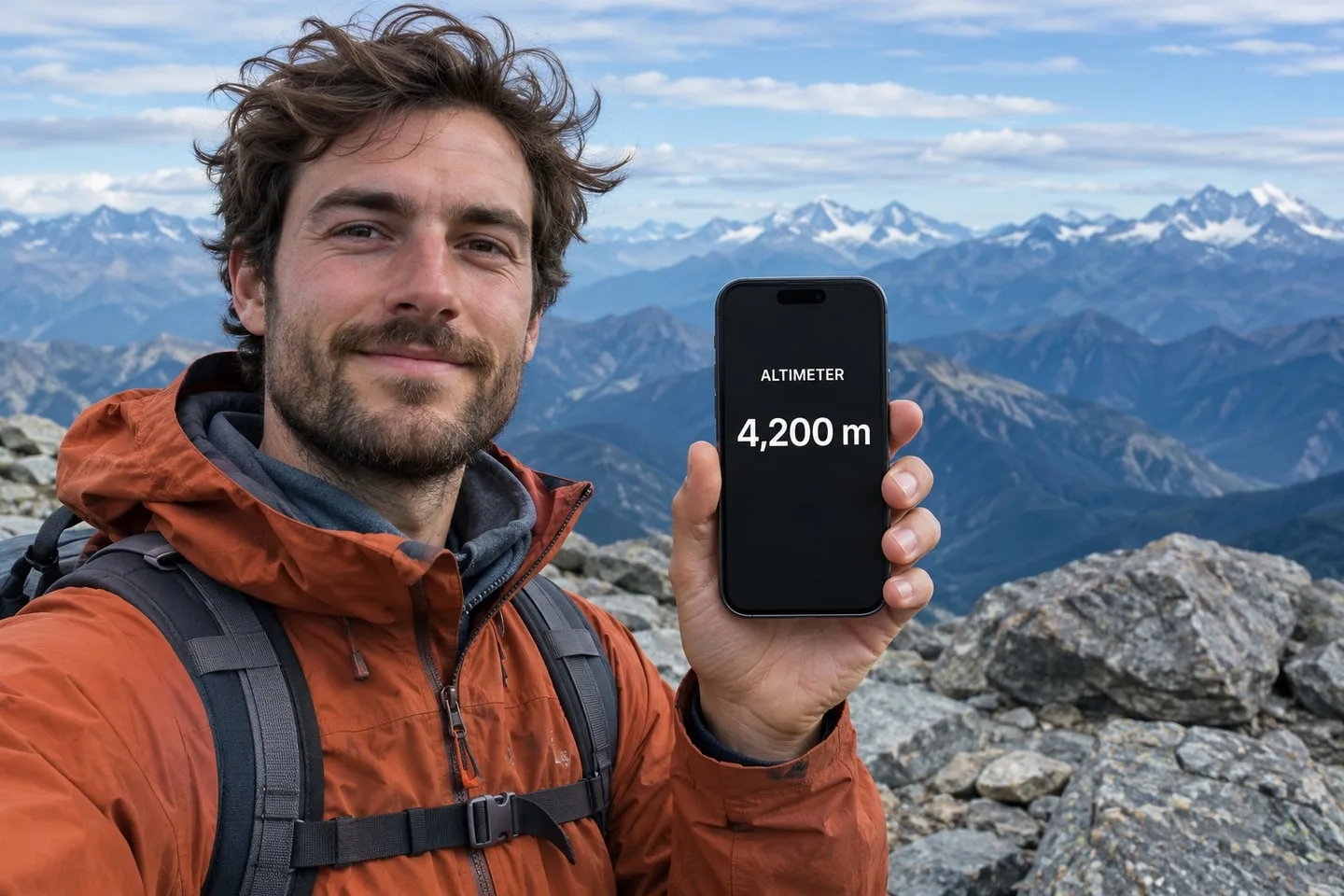
How to take a photo with your altitude showing
- Open SpeedX on your iPhone.
- Go to the Altimeter screen and wait for your current altitude to appear.
- Hold your phone so the number and its unit are visible, then have someone take the photo.
It’s a simple way to remember how high you got, whether you’re at the top of a hike, stopping at a mountain pass, or looking out from a high-altitude viewpoint. The dedicated screen makes it easy to find the reading when you’re ready for the photo.
What else does SpeedX show?
SpeedX also includes a speedometer for your current speed and a barometer for atmospheric pressure. The altimeter gives you a view focused on altitude when that’s the number you want in the frame. SpeedX features
Can SpeedX show altitude without cell service?
Yes. SpeedX uses your phone’s built-in sensors for core readings such as altitude and speed, so you can check your altitude without an internet connection.
Related Articles
2026-10-22
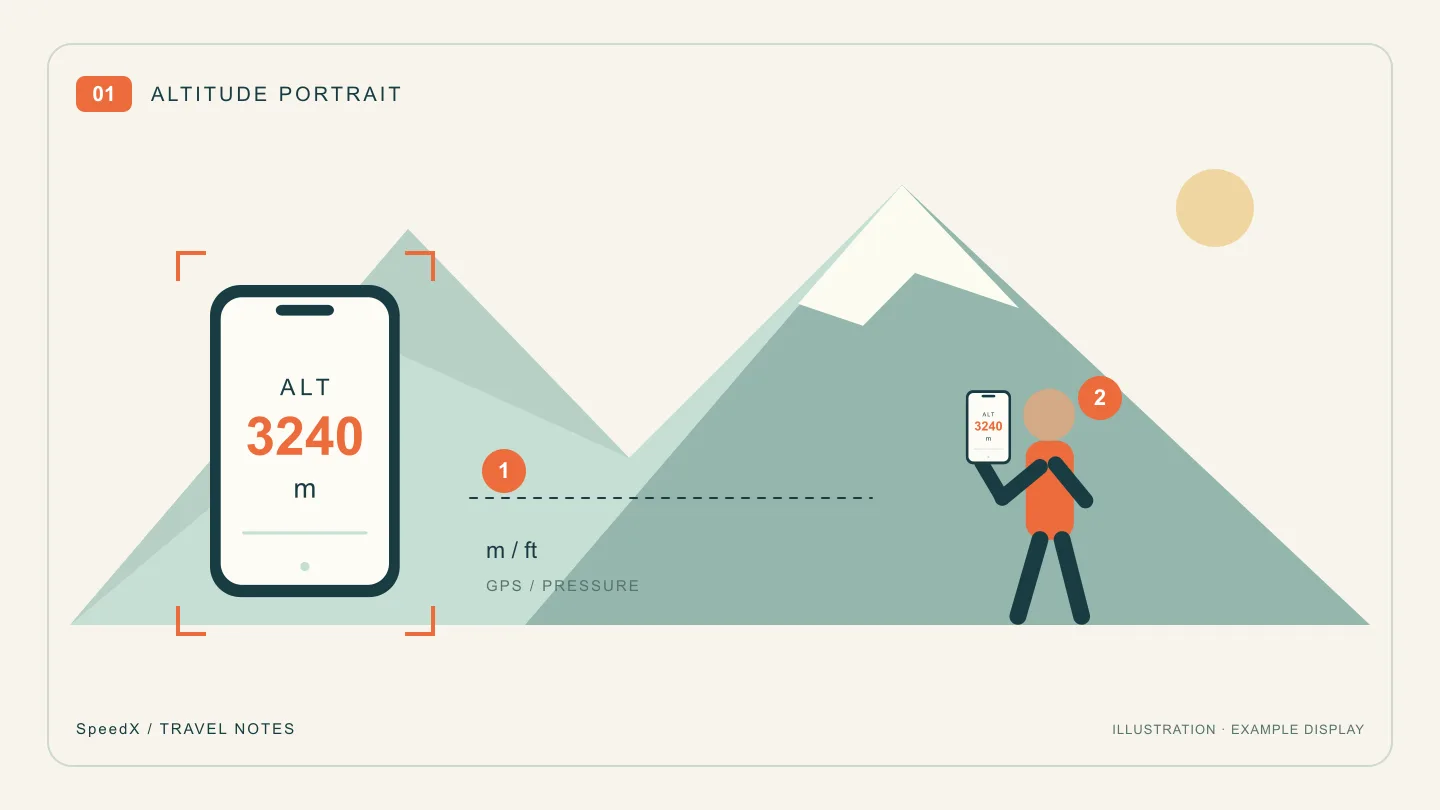
Altitude Photo Ideas: Pose With Your Elevation and the View
Take a mountain travel photo with your current altitude on a phone screen. Plan the pose, frame the view and keep the reading legible with SpeedX.
2026-10-22
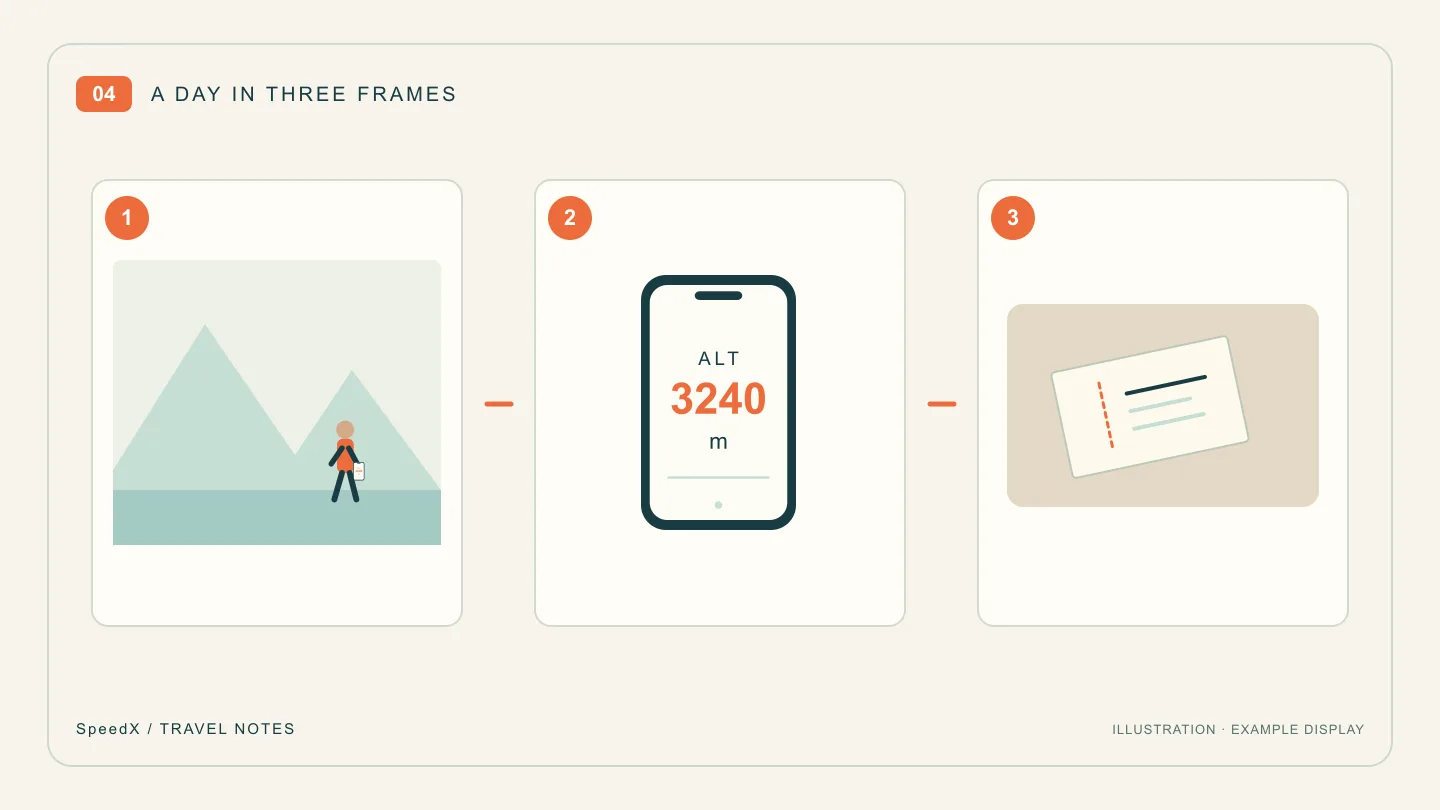
A Three-Photo Travel Journal: Place, Altitude and One Small Detail
Turn a day trip into a short photo story with an establishing view, an altitude portrait and a telling detail. Includes a caption template to make your own.

2026-11-16
A Railfan's Train Travel Journal: What to Record on Each Ride
Build a reusable rail journey log with train identities, station times, window photographs and clearly labelled speed observations.